Your Facebook & Instagram marketing, from creation to conversation, in one place.
Write your content once, then schedule and publish it to Facebook and Instagram from the same place — with AI content creation, a Unified Inbox, and analytics ready when you need them.
- No credit card required
- Facebook & Instagram, one dashboard
- Currently in Beta
Create, schedule, publish — in that order, in one place.
No separate tabs for drafting, timing, and posting. TwinClouds keeps the whole loop together.
Write the post once
Draft your caption and pick your media. AI Studio can help if you're starting from a blank page.
Pick the time, once
Set it for Facebook, Instagram, or both. Drop it anywhere on your calendar.
It goes out on its own
TwinClouds publishes it at the scheduled time — no manual posting required.
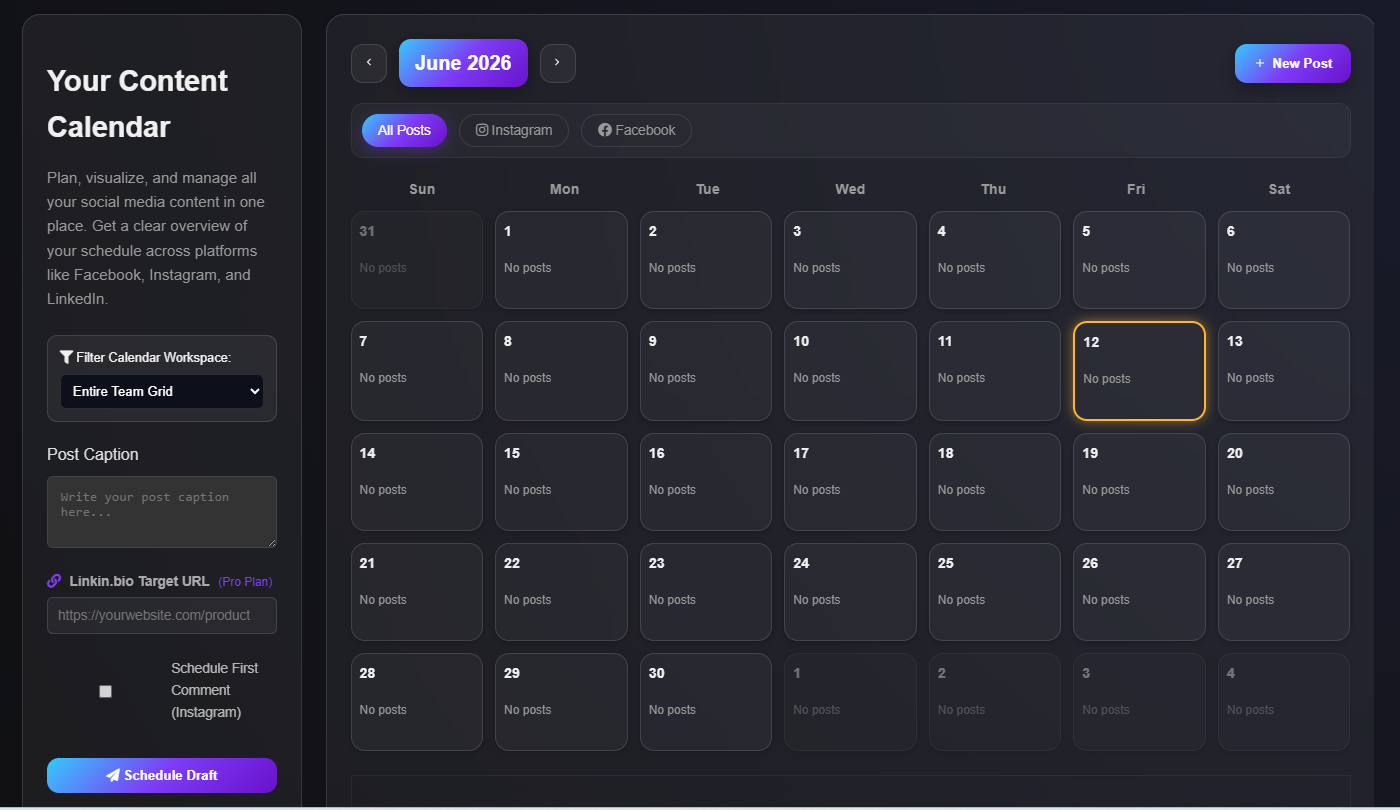
Your whole month, at a glance.
Every scheduled Facebook and Instagram post lives on one calendar — nothing to cross-reference.
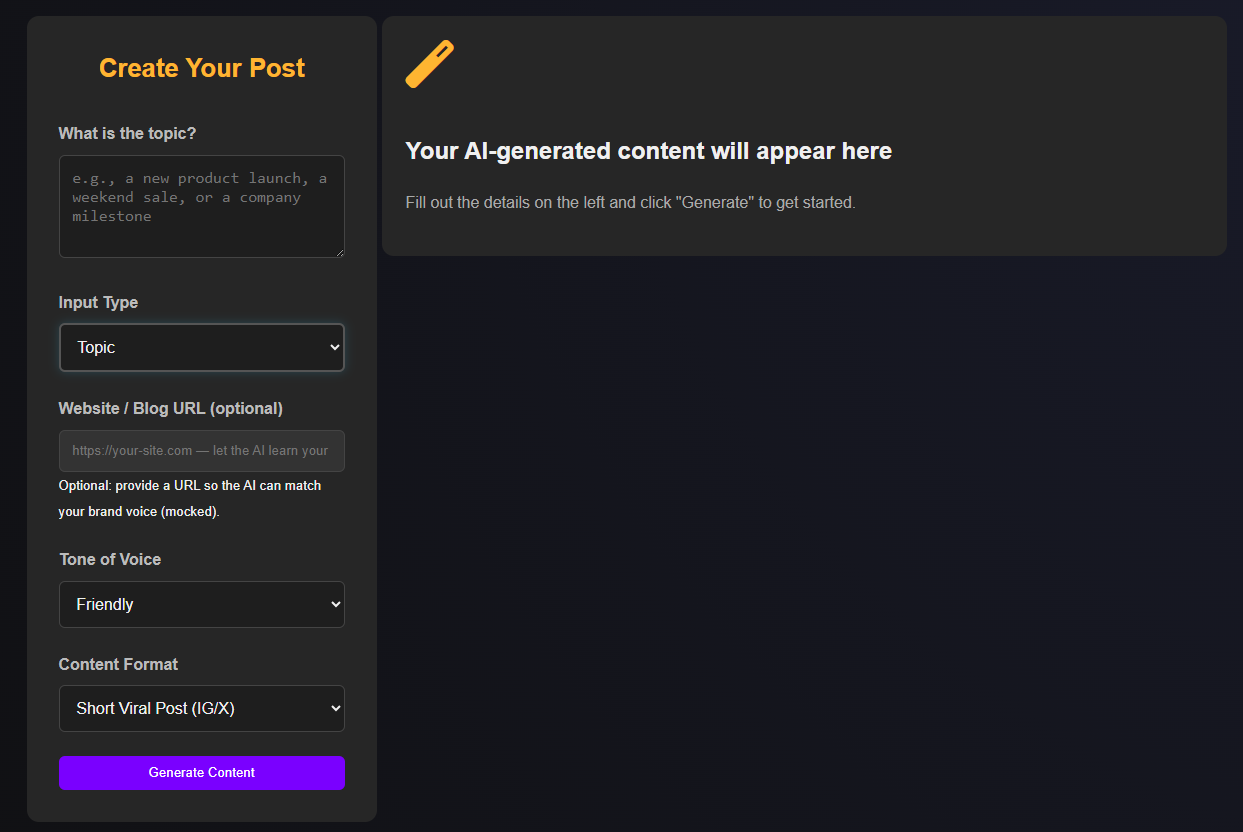
Need something to post?
AI Studio can help create the content before you schedule it — a caption, a visual, or a full campaign — so the calendar is never the hard part.
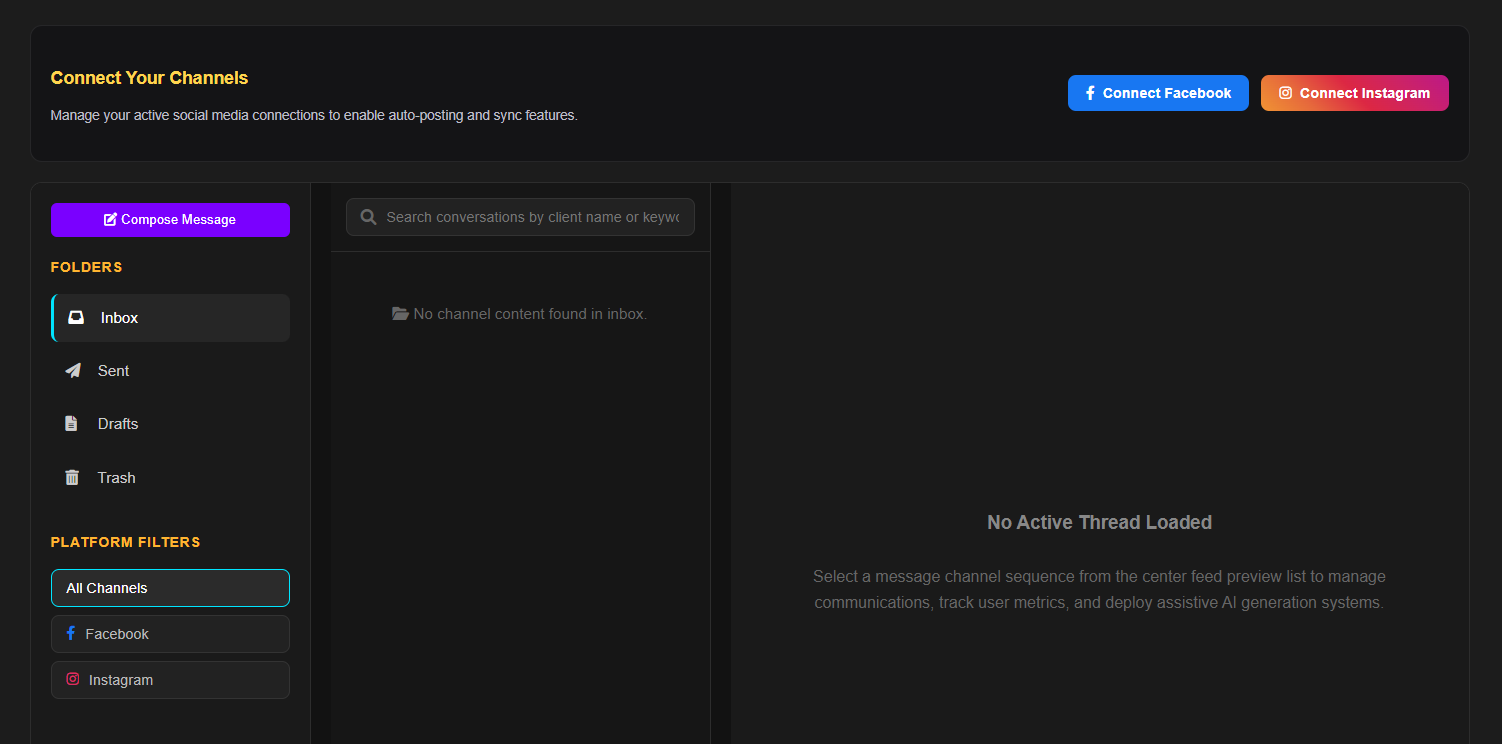
When customers message you, stay in the same workflow.
See and reply to Facebook and Instagram messages without switching apps — the same place you schedule posts is where you keep up with the people replying to them.
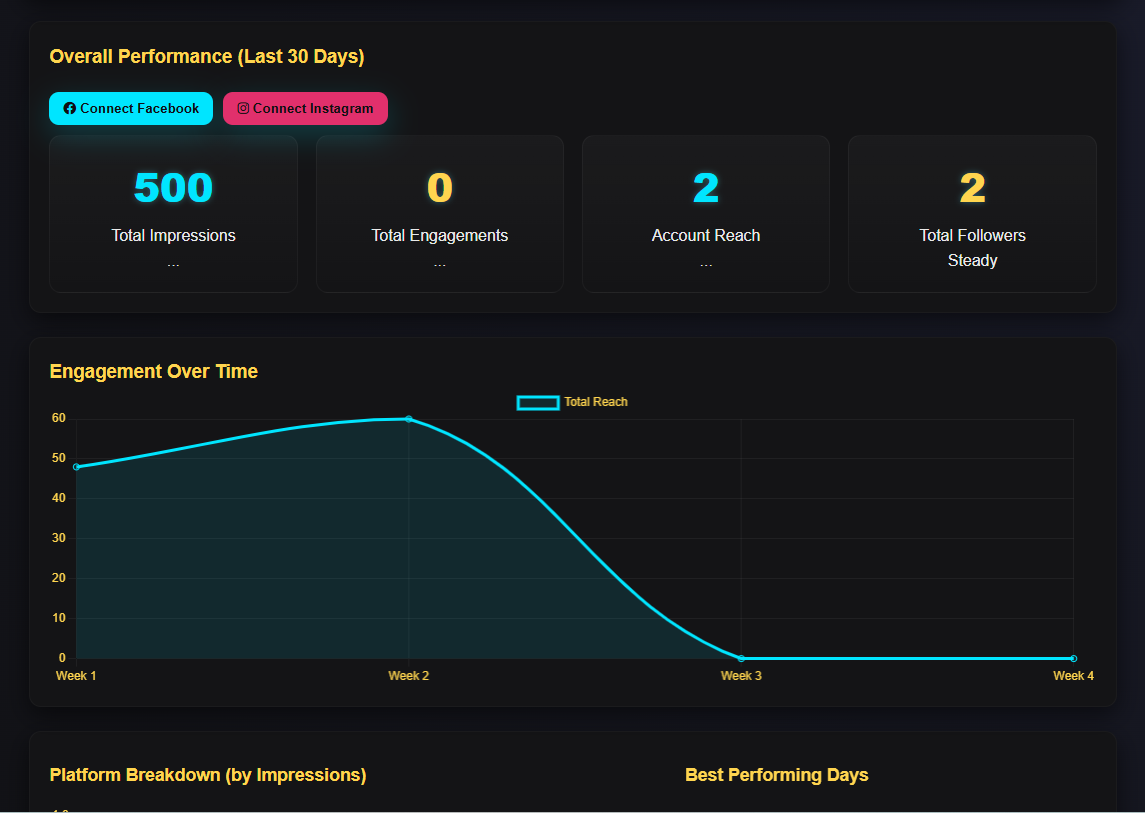
Know what's working.
See how your published Facebook and Instagram posts perform, without digging through two separate apps.
Built for the person doing it all themselves.
Small businesses
One person running the page and the storefront.
Solo marketers
Managing Facebook and Instagram without a team behind you.
Agencies
Keeping client accounts organized without extra hires.
Creators
Staying consistent without posting becoming a second job.
Frequently asked questions
Yes. Connect your Facebook Page and Instagram professional account, then schedule and publish to both from one calendar.
Yes — once scheduled, TwinClouds publishes your post at the time you set, with no manual action needed.
Yes. AI Studio can help you draft captions and visuals, which you can edit before scheduling.
Yes. The Unified Inbox shows your Facebook and Instagram messages together, so you can reply without switching apps.
Right now, TwinClouds supports Facebook and Instagram. Other platforms aren't available yet.
Want more detail on cross-posting in general? How to Post to Facebook and Instagram at the Same Time →
Plan less. Publish with confidence.
Connect your accounts and get your first week scheduled in minutes.
Start Free