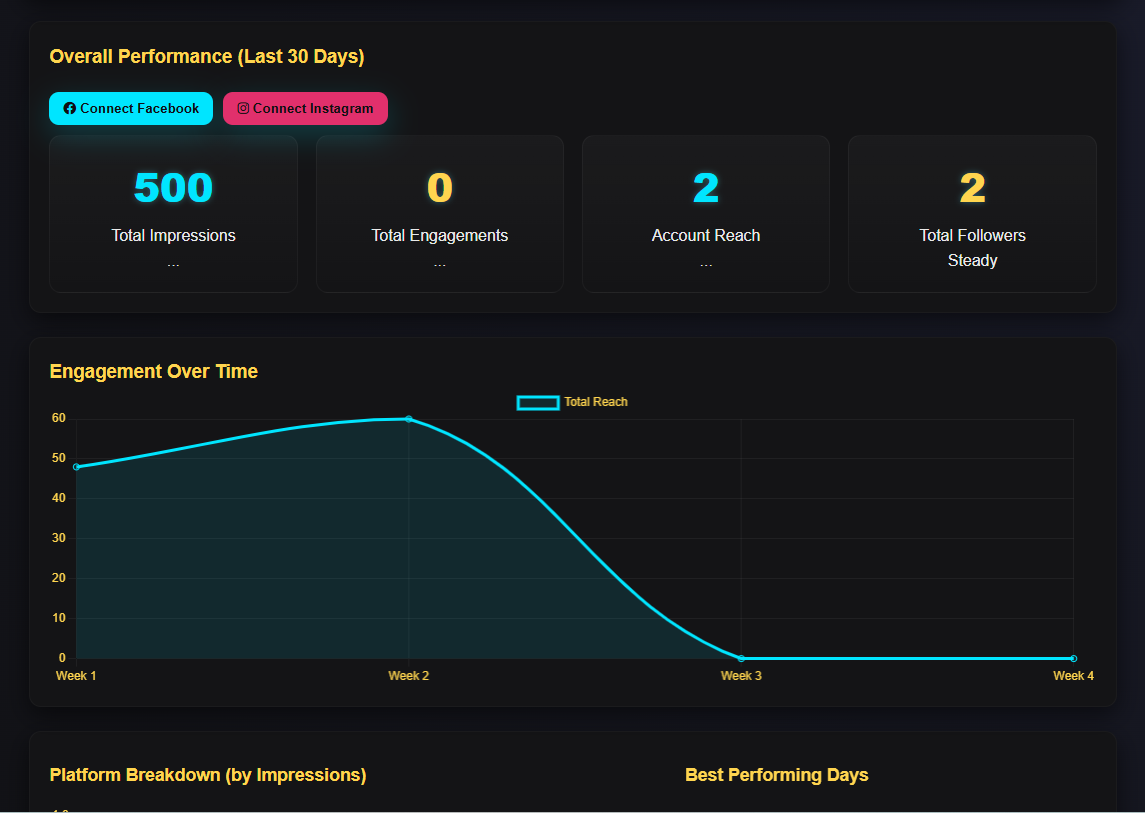
Before You Get Started
Signing up for TwinClouds AI does not automatically connect your Facebook Page or Instagram account. You'll need to connect them yourself, in your own Facebook/Instagram settings and then in your TwinClouds AI Dashboard, before you can schedule or publish anything.
- Prepare your Facebook Page. You'll need to already manage at least one Facebook Page (have admin or page access on it) — TwinClouds AI connects to Pages you have access to, not personal profiles.
- Link your Instagram account. Your Instagram account needs to be set up as a Business account and linked to that same Facebook Page. This is done inside Facebook/Instagram's own settings, before you connect to TwinClouds AI.
- Connect your accounts to TwinClouds AI. From your Dashboard, use the "Connect Facebook" and "Connect Instagram" buttons. You'll see exactly which permissions are being requested before you approve anything.
- Confirm the connection. Once connected, your Page and Instagram account will show as connected on your Dashboard — check there before scheduling or publishing your first post.
If your Instagram account doesn't appear during setup, it almost always means either the account isn't set up as a Business account, or it isn't linked to the Facebook Page you selected. Both can be fixed in Instagram's or Facebook's own settings — then try connecting again from your Dashboard.
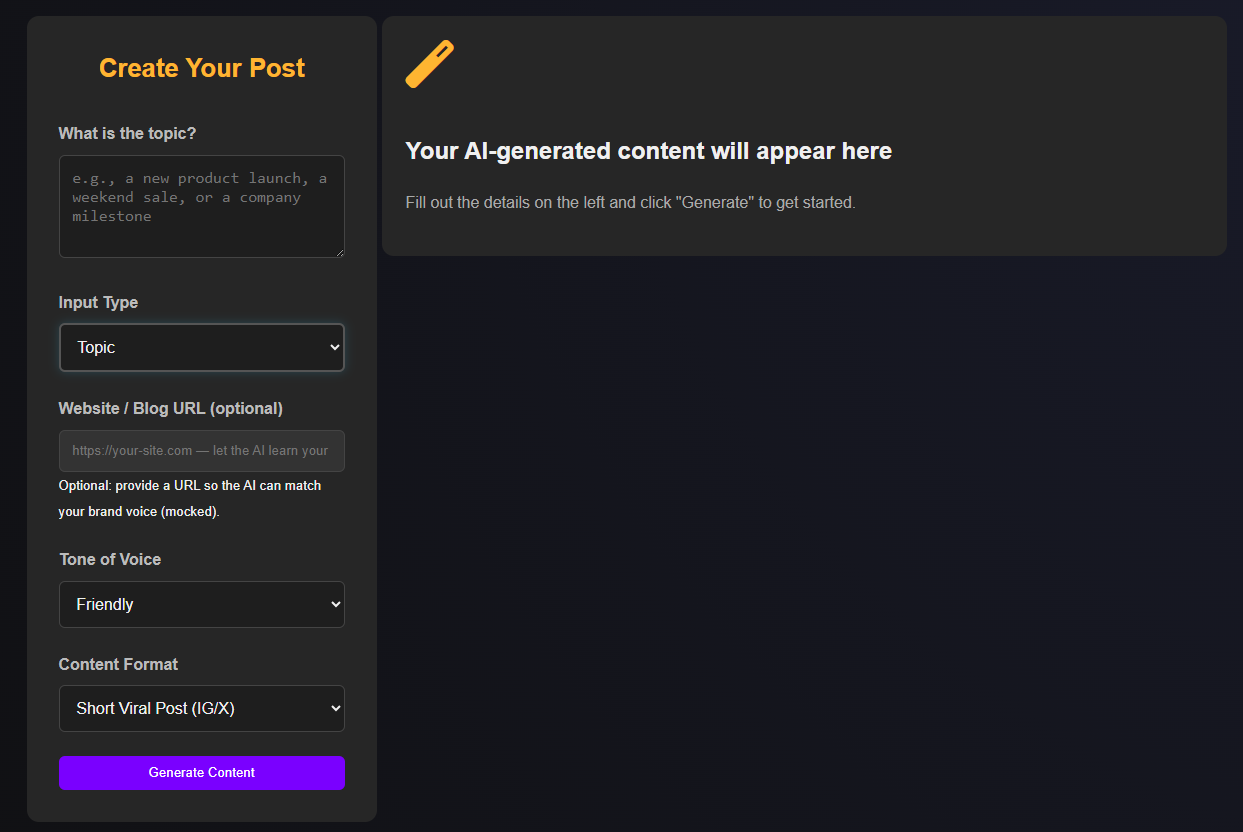
Create AI-assisted content
Describe the post you want, and the AI Content Studio writes captions for you. Need more? Generate full multi-post campaigns, carousel posts, product photos, or start from a ready-made template — all from the same workspace.
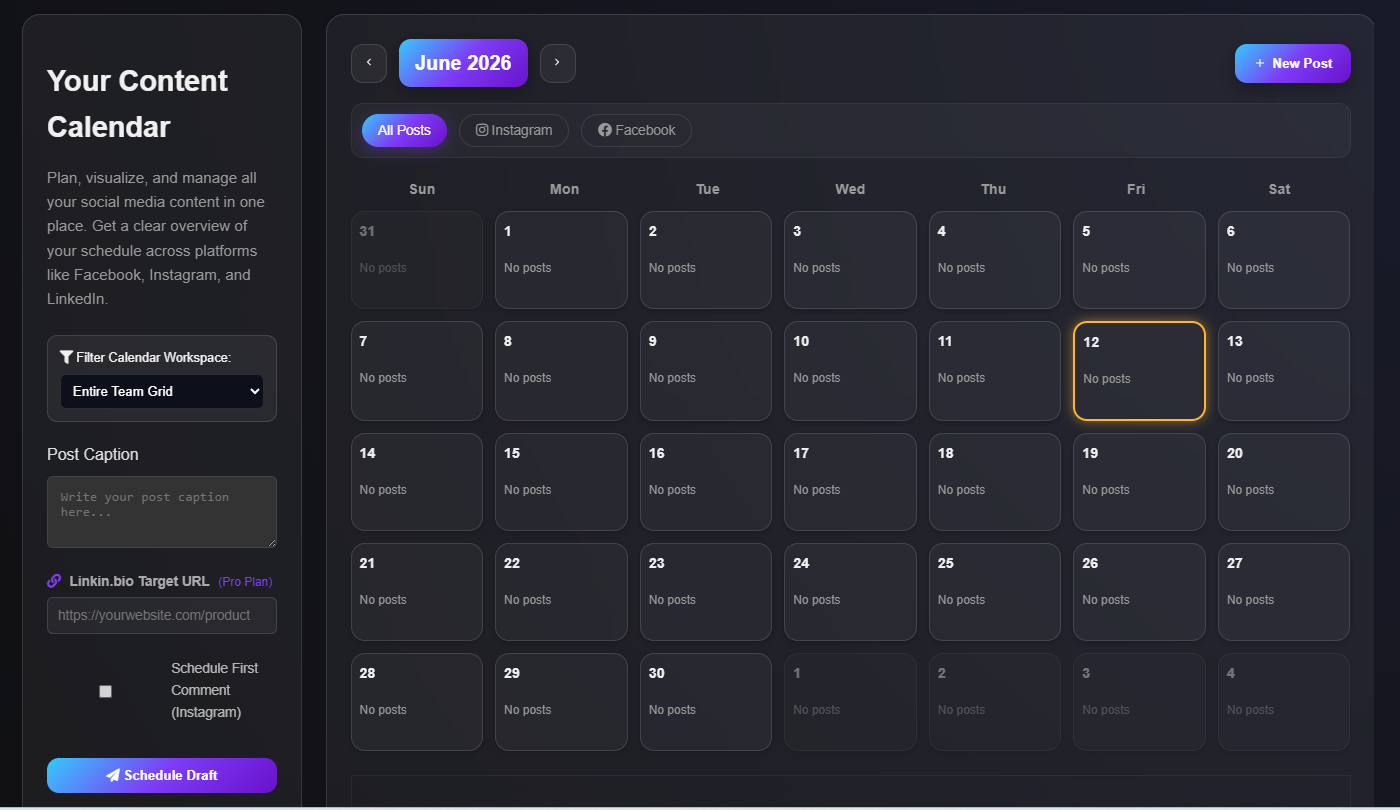
Plan, schedule, and publish to Facebook and Instagram
Drop your content onto a calendar and queue it for Facebook and Instagram together, instead of posting to each one separately. See the full Facebook & Instagram Scheduler →
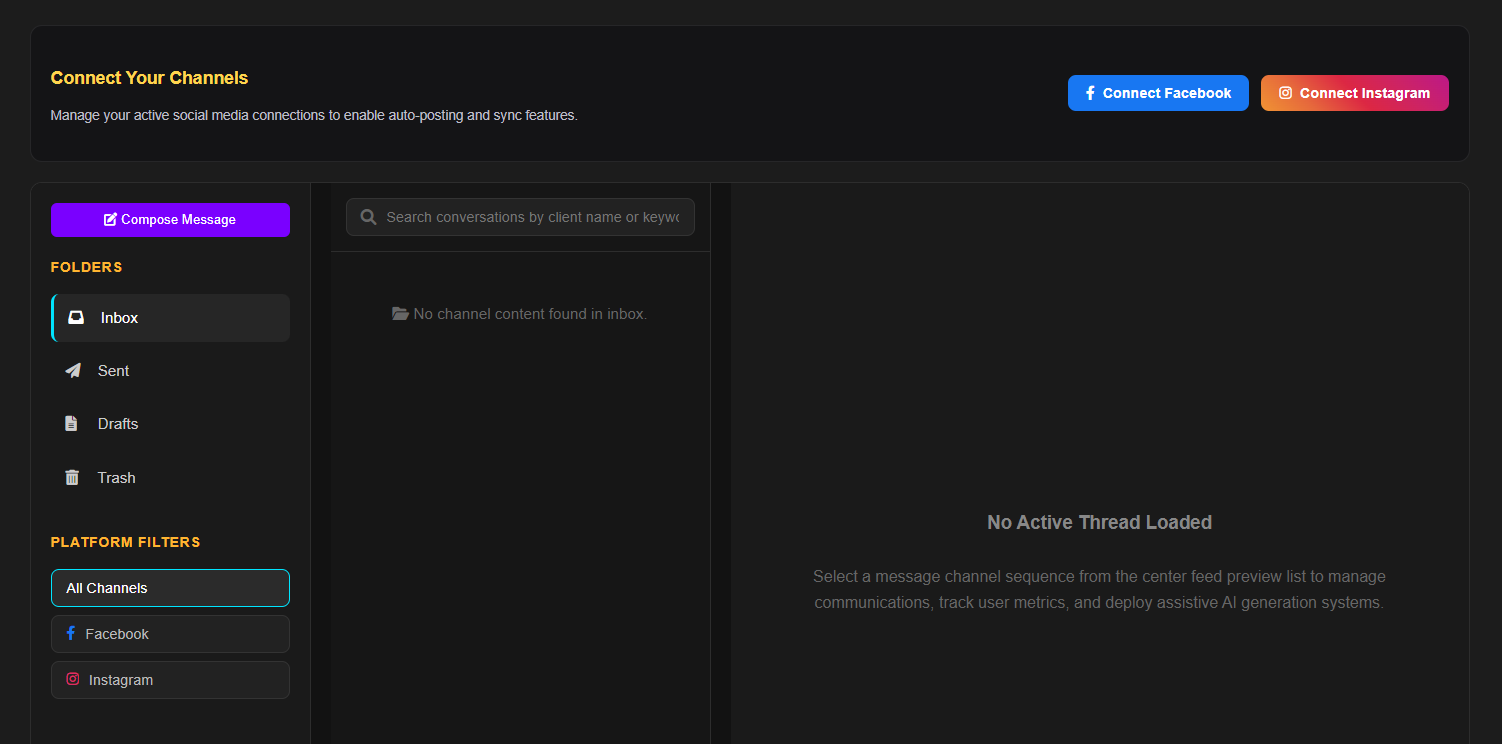
Manage replies in one inbox
Facebook Messenger and Instagram Direct messages arrive in a single inbox, so you're not switching between apps to reply to customers.
See what's working
Track Facebook Page and Instagram performance — content views, engagement, reach, and followers — plus your top-performing recent posts and a trend chart of how engagement is changing over time.
Some Facebook metrics may display as "Unavailable" depending on Meta's eligibility rules and the data returned for your connected Page. The engagement trend chart displays a rolling multi-day total rather than individual daily totals. It appears once at least two days of real engagement history are available.